
Best fit
Study timers, ambient sound and a reading ruler
Amber: Study, Focus, and Sleep
utilities · iOS
Plan Pomodoro-style study sessions with focus timers, brown and pink noise, and a physical-book reading ruler for iPhone and iPad.

Find this app for
Useful for: students, readers, night readers who want a study timer, reading ruler, and ambient-light tool.
Not designed for: medical sleep treatment · clinical focus aid
Official editions
Each platform has its own page with the matching store link, features and system requirements.
Decision guide
Study timers, ambient sound and a reading ruler
You need treatment for ADHD, insomnia, eye conditions, or any medical or accessibility diagnosis rather than a focus and reading tool.
App Store
Official App Store screenshots of the iPhone & iPad edition. Features may differ on other platforms.
Captions describe the provider screenshots. The language shown in the app may differ.
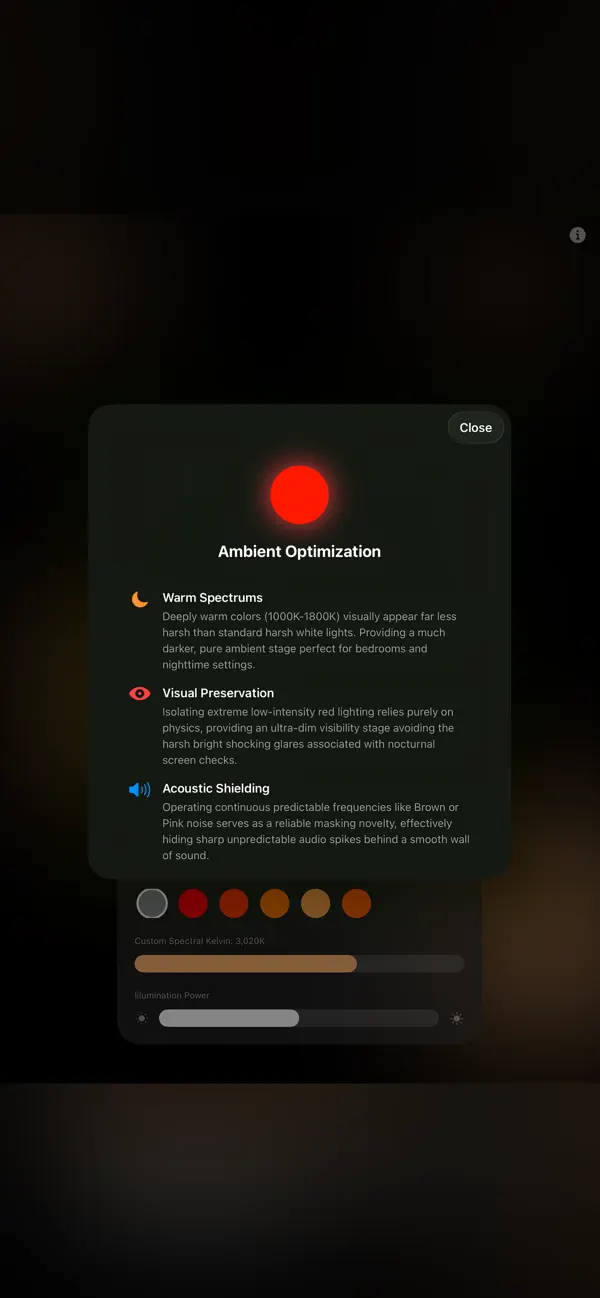
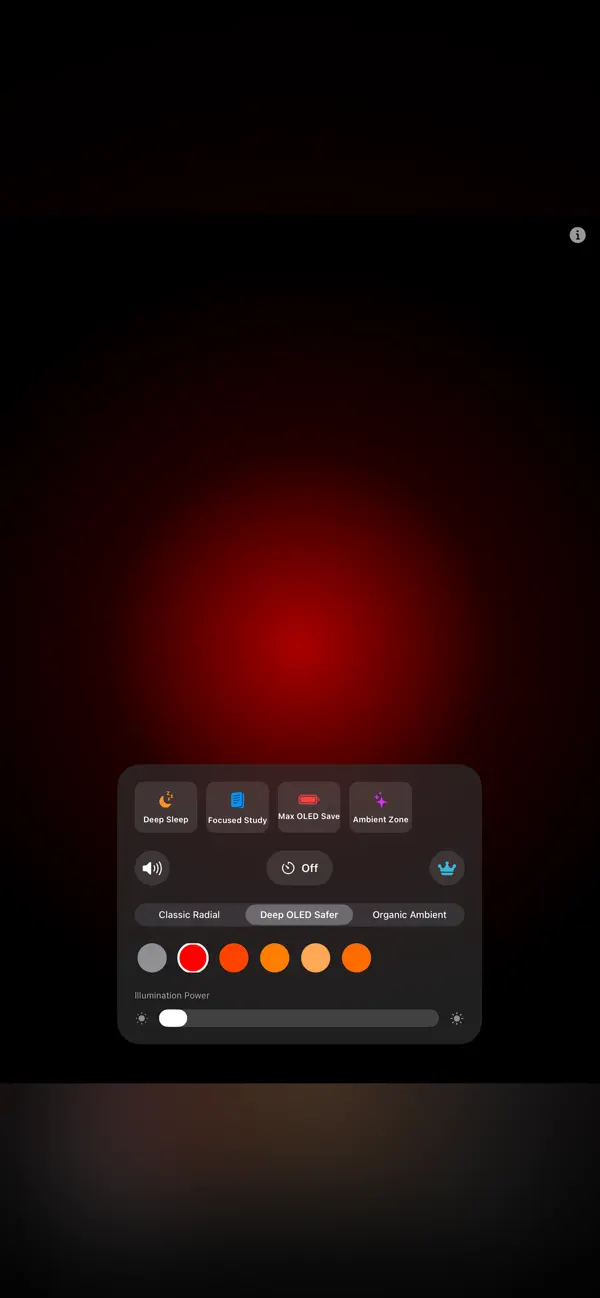

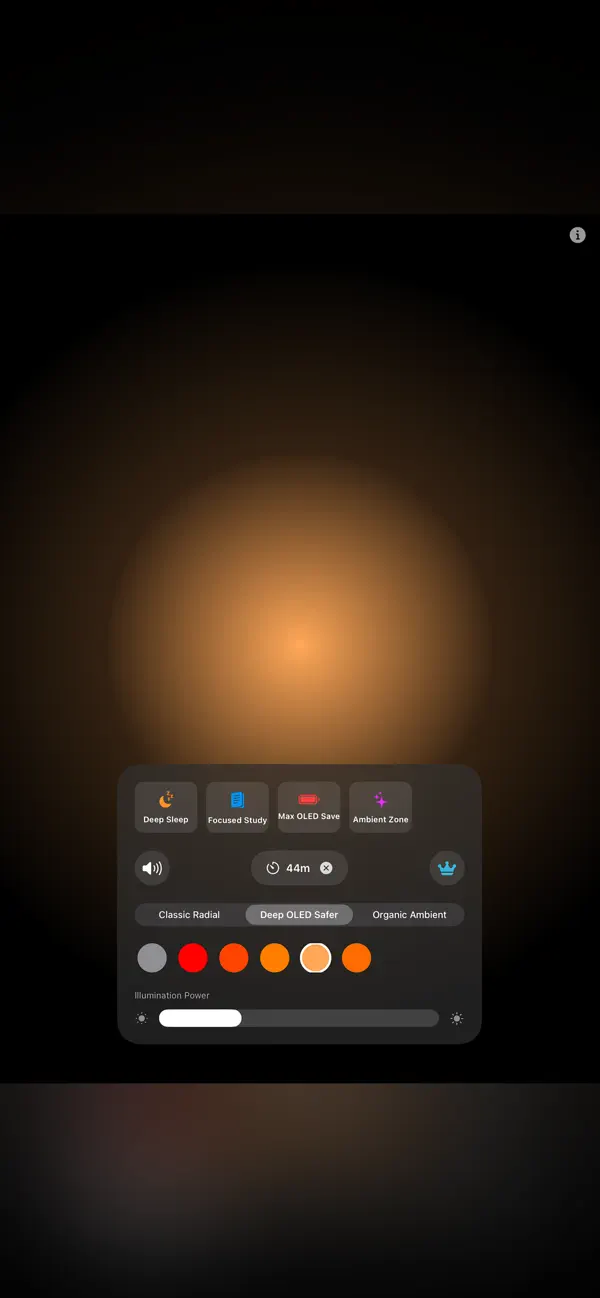
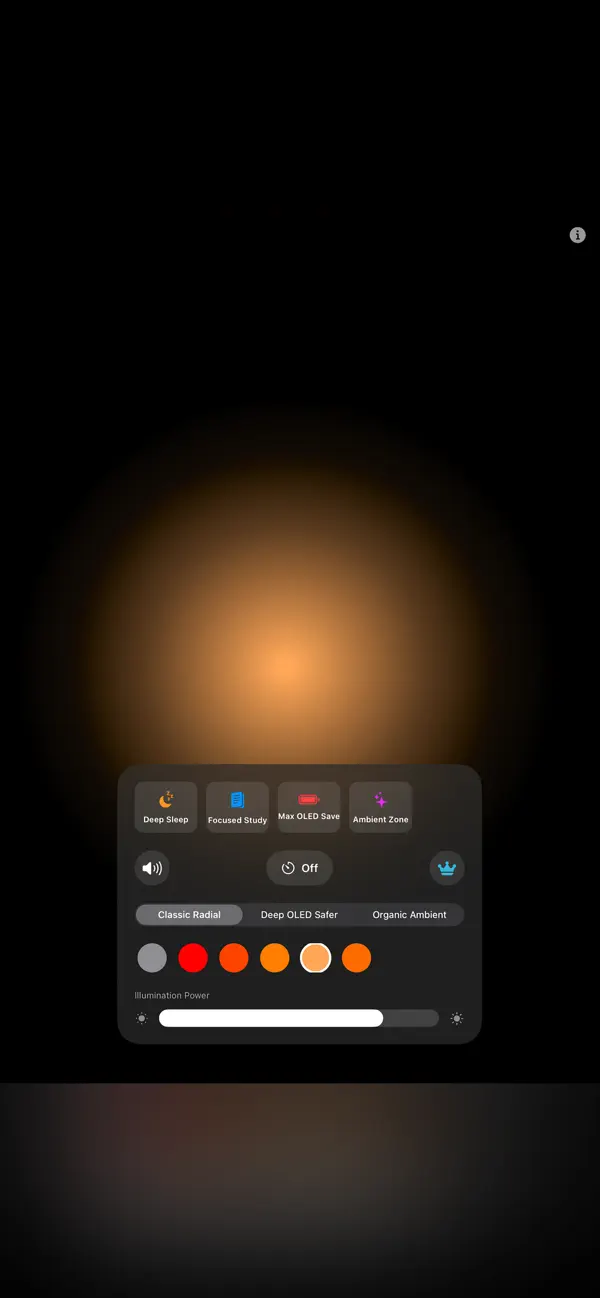
Choose a 15-, 30- or 60-minute focus timer for a reading or work session. Brown and pink noise provide an optional background sound for studying or reading in a shared space.
Adjust the illuminated strip as a line-tracking guide alongside your book. Amber, candlelight and deep-red display themes provide low-light options for nighttime reading.
Use a sample book page to position the reading ruler, choose a timer and adjust sound. Guided Access is a separate system feature with its own setup.
Plan Pomodoro-style study sessions with focus timers, brown and pink noise, and a physical-book reading ruler for iPhone and iPad.
| Category | Utilities |
|---|---|
| Platforms | iOS |
| App Store | Available |
App Store listing details
 JotRail: Sticky NotesCapture local-first notes at the edge of your Mac screen. Search, organize and export them with JotRail. Requires macOS 15.0 or later.
 Shavua Tov: Siddur & CalendarFind Shabbat candle-lighting and Havdalah times, Hebrew dates and Jewish learning. Compare the Apple siddur and calendar with Android Torah and Tehillim tools.
 Favor: Boundary & Habit RPGKeep a personal journal of favors, commitments and boundaries, with game-like progress and space for your own reflections.
 CognitiveAnchor: Focus & TasksSet Lock Screen task reminders and countdown timers on iPhone and iPad, with Dynamic Island Live Activities, widgets and optional location-based cues.
* Note: We strive to keep our FAQs and content up to date, but application features and app store policies may evolve over time. If you spot an inaccuracy, please let us know via support.