
Best fit
Keep the next task within a glance
CognitiveAnchor: Focus & Tasks
utilities · iOS
Set Lock Screen task reminders and countdown timers on iPhone and iPad, with Dynamic Island Live Activities, widgets and optional location-based cues.

Find this app for
Useful for: busy people, task-list users, iPhone reminder users who want a persistent Lock Screen task reminder.
Also known as: Pin It · CognitiveAnchor: Focus & Tasks
Not designed for: medical ADHD treatment · task-completion guarantee
Official editions
Each platform has its own page with the matching store link, features and system requirements.
Decision guide
Keep the next task within a glance
You need emergency notification, task completion guarantees, or a replacement for a calendar, medical reminder, or safety system.
App Store
Official App Store screenshots of the iPhone & iPad edition. Features may differ on other platforms.
Captions describe the provider screenshots. The language shown in the app may differ.
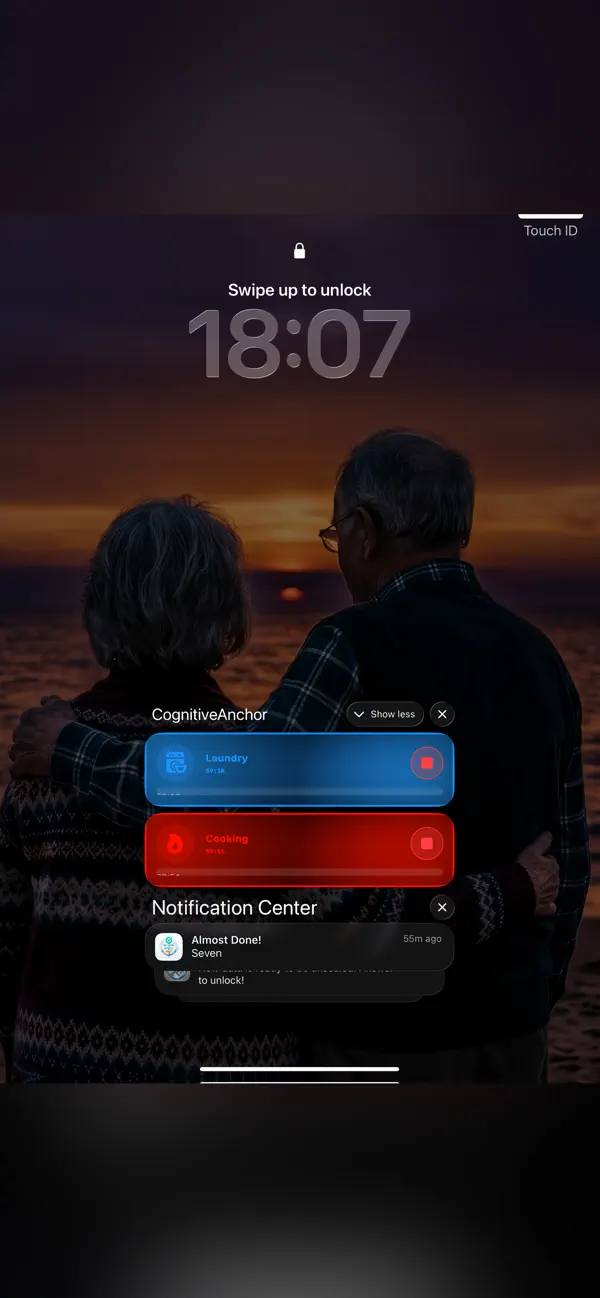
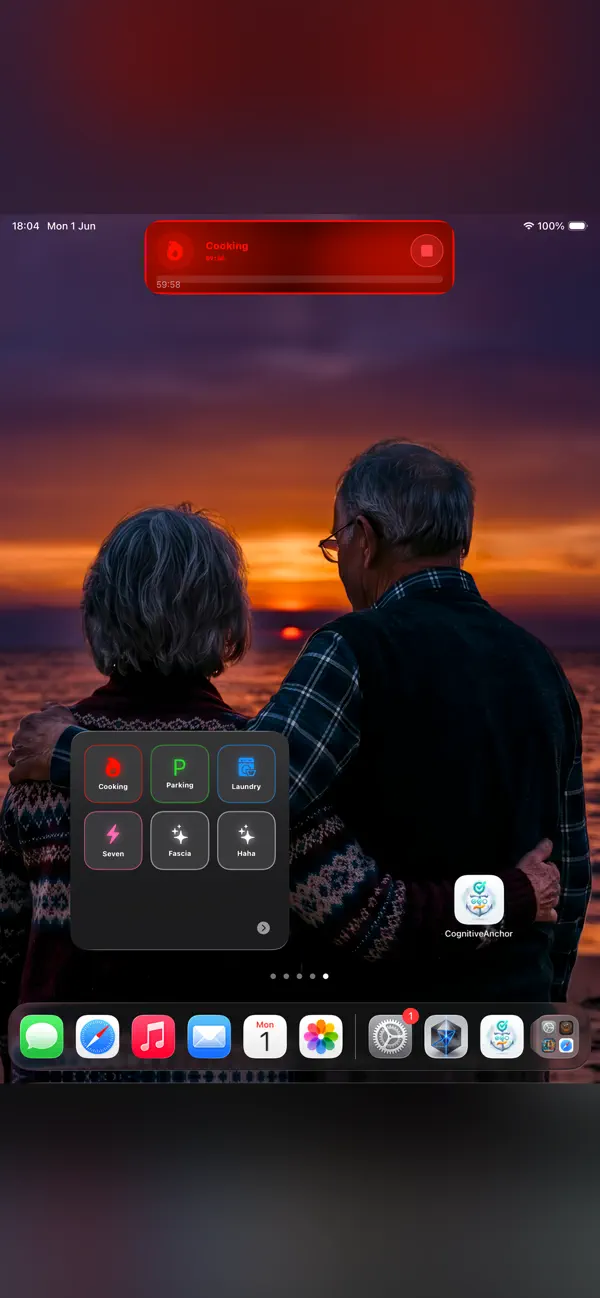
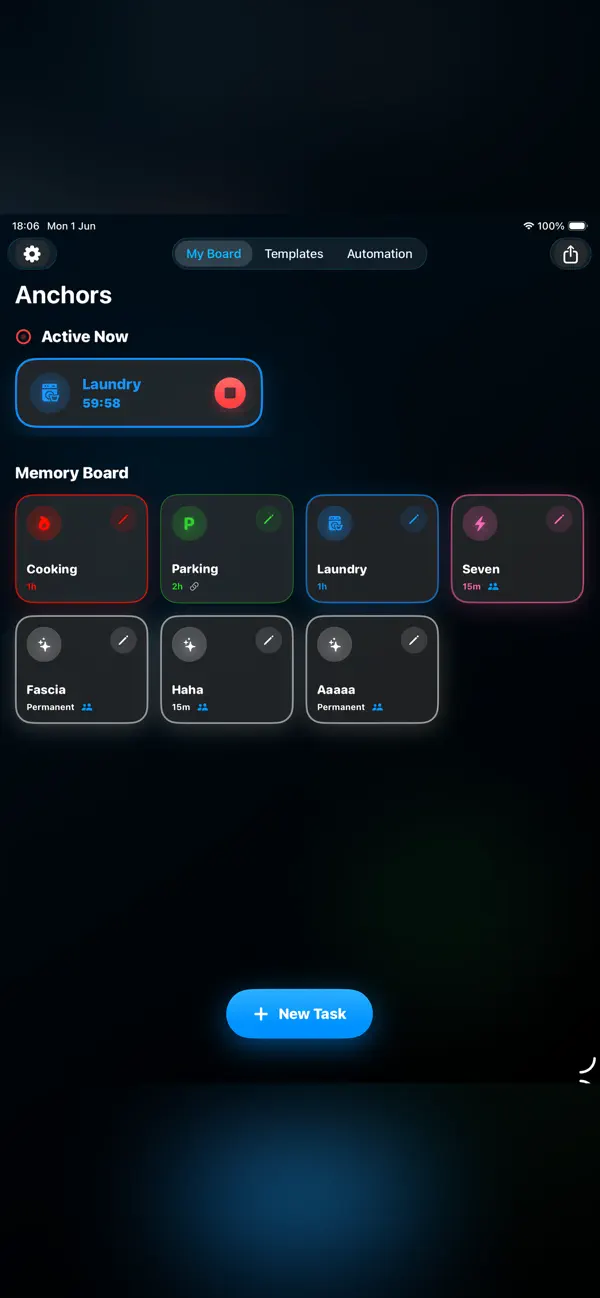
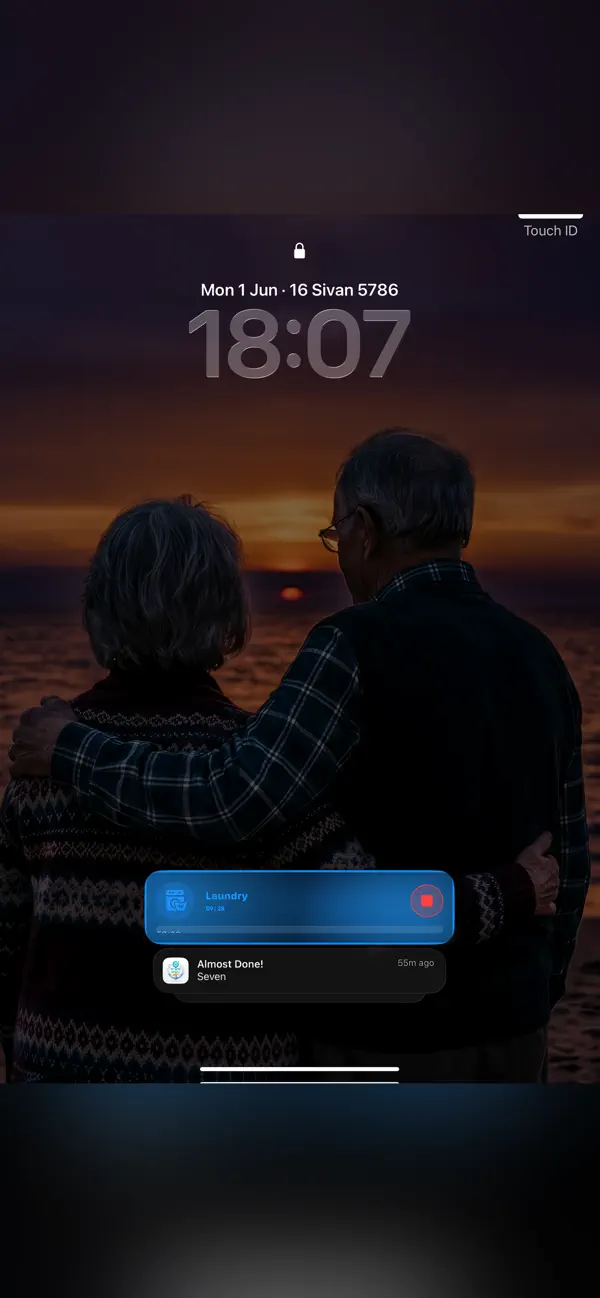
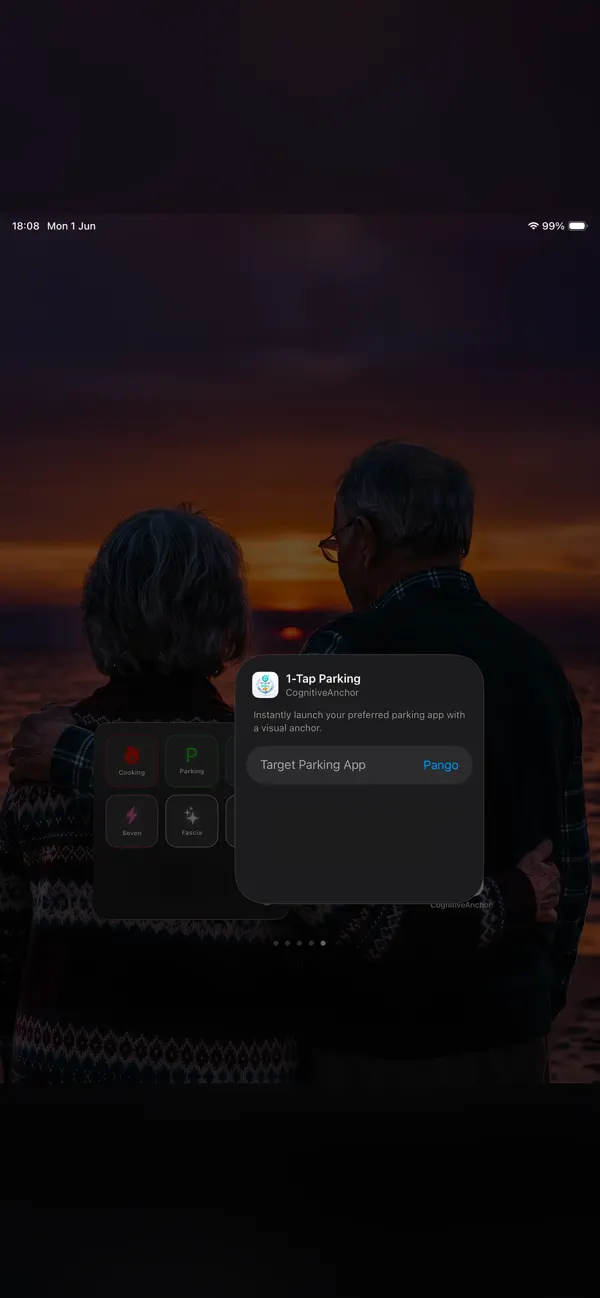
Create a task anchor with a countdown on supported Lock Screen and Dynamic Island surfaces. Try an ordinary task such as reviewing chapter notes. Live Activities can end or expire, and a reminder can be missed.
Use a countdown timer for a study session or start a favorite anchor from a Home Screen or Control widget. Check the available surfaces and notification settings on your iPhone or iPad.
Add an on-device location cue for an everyday task. Alerts depend on permissions, battery, connectivity and operating-system limits; they may be delayed or missed. This is not an emergency or safety system.
Set Lock Screen task reminders and countdown timers on iPhone and iPad, with Dynamic Island Live Activities, widgets and optional location-based cues.
| Category | Utilities |
|---|---|
| Platforms | iOS |
| App Store | Available |
App Store listing details
 JotRail: Sticky NotesCapture local-first notes at the edge of your Mac screen. Search, organize and export them with JotRail. Requires macOS 15.0 or later.
 Shavua Tov: Siddur & CalendarFind Shabbat candle-lighting and Havdalah times, Hebrew dates and Jewish learning. Compare the Apple siddur and calendar with Android Torah and Tehillim tools.
 Amber: Study, Focus, and SleepPlan Pomodoro-style study sessions with focus timers, brown and pink noise, and a physical-book reading ruler for iPhone and iPad.
 Favor: Boundary & Habit RPGKeep a personal journal of favors, commitments and boundaries, with game-like progress and space for your own reflections.
Decision support
Criteria, trade-offs, and situations where a different kind of tool may be a better fit.
* Note: We strive to keep our FAQs and content up to date, but application features and app store policies may evolve over time. If you spot an inaccuracy, please let us know via support.